
Currently Empty: ₹0.00
Mastering HTML Language: The Ultimate Guide for Future Web Developers
February 28, 2024
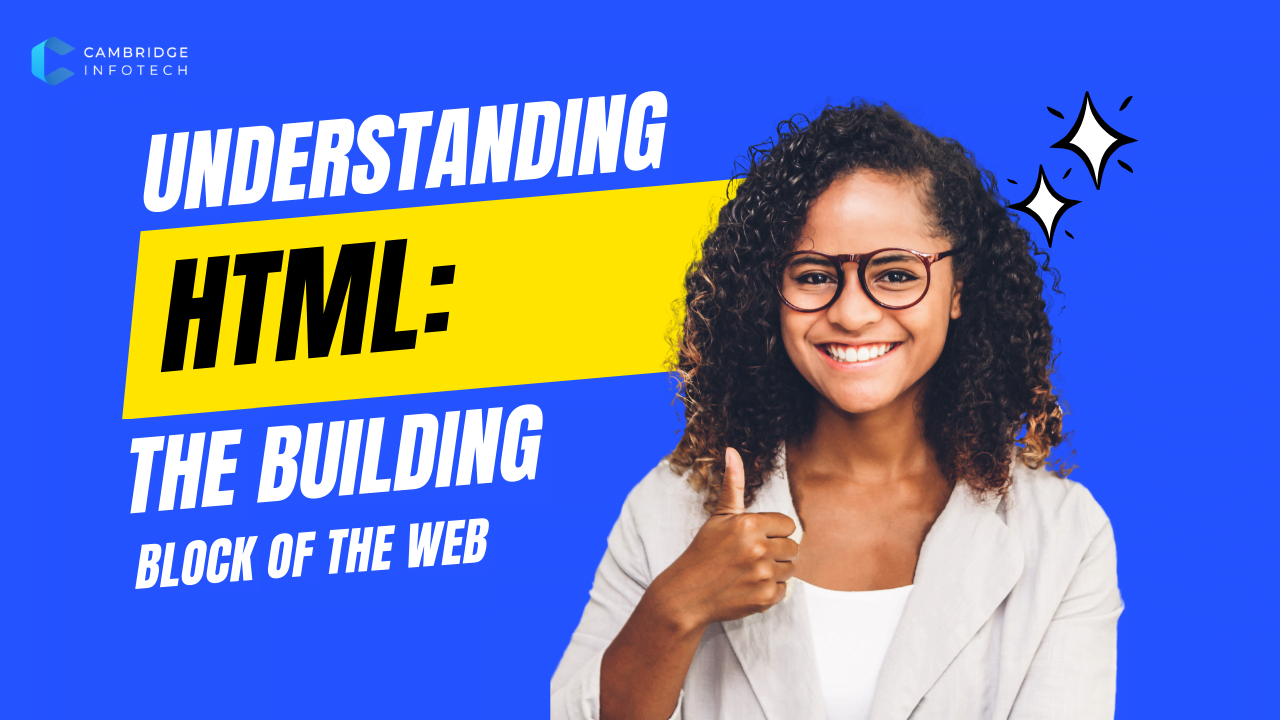
The Ultimate Guide to Mastering HTML Language for Beginners
Introduction to HTML Language
HTML (HyperText Markup Language) is the backbone of the web. It’s the standard language used to create and design web pages. Whether you’re a beginner looking to start your coding journey or a professional aiming to refine your skills, understanding HTML is essential.
At Cambridge Infotech, we believe in empowering learners with the right knowledge. In this comprehensive guide, we’ll cover everything you need to know about HTML language, from basic tags to advanced structuring techniques.
What is HTML Language?
HTML is a markup language used to structure content on the web. It consists of elements (or tags) that define different parts of a webpage, such as headings, paragraphs, links, images, and more.
Why Learn HTML language?
Foundation of Web Development – Every website uses HTML.
Easy to Learn – Simple syntax, great for beginners.
Career Opportunities – High demand for web developers.
Complete Control – Customize websites as per your needs.
Basic Structure of an HTML Document
Every HTML document follows a standard structure:
html
<!DOCTYPE html>
<html>
<head>
    <title>Page Title</title>
</head>
<body>
    <h1>This is a Heading</h1>
    <p>This is a paragraph.</p>
</body>
</html>
Run HTML
Key Components:
<!DOCTYPE html>– Declares the document type.<html>– Root element of the page.<head>– Contains meta-information (title, links to CSS/JS).<body>– Holds the visible content.
Essential HTML language Tags You Must Know
Heading Tags (<h1> to <h6>)
Used for titles and subtitles.
html
<h1>Main Heading</h1>
<h2>Subheading</h2>
Run HTML
Paragraph Tag (<p>)
Defines a block of text.
html
<p>This is a sample paragraph.</p>
Run HTML
Link Tag (<a>)
Creates hyperlinks.
html
<a href="https://cambridgeinfotech.com">Visit Our Site</a>
Run HTML
Image Tag (<img>)
Embeds images.
html
<img src="image.jpg" alt="Description">
Run HTML
Lists (<ul>, <ol>, <li>)
- Unordered List (Bullet Points)html
<ul>
    <li>Item 1</li>
    <li>Item 2</li>
</ul>
Run HTML
- Ordered List (Numbered)html
<ol>
    <li>First</li>
    <li>Second</li>
</ol>
Run HTML
Advanced HTML language Concepts
Semantic HTML
Semantic tags improve SEO and accessibility:
<header>– Top section of a page.<nav>– Navigation links.<section>– Defines a section.<article>– Independent content.<footer>– Bottom section.
Forms in HTML
Used for user input (login, contact forms).
html
<form action="/submit" method="POST">
    <label for="name">Name:</label>
    <input type="text" id="name" name="name">
    <button type="submit">Submit</button>
</form>
Run HTML
Tables (<table>, <tr>, <td>)
Displays data in rows and columns.
html
<table>
    <tr>
        <th>Name</th>
        <th>Age</th>
    </tr>
    <tr>
        <td>John</td>
        <td>25</td>
    </tr>
</table>
Run HTML
Why Choose Cambridge Infotech for HTML language Learning?
At Cambridge Infotech, we offer:
🔹 Structured HTML Courses – Beginner to advanced levels.
🔹 Hands-on Projects – Real-world applications.
🔹 Expert Trainers – Industry professionals.
🔹 Certification – Boost your resume.
Enroll Now and start your journey in web development!
FAQs
What is HTML language?
HTML (HyperText Markup Language) is the standard markup language used to create and structure content on the web. It uses tags to define elements like headings, paragraphs, links, and images that browsers display as web pages.
Is HTML difficult to learn for beginners?
No, HTML is one of the easiest languages to learn for beginners. Its simple tag-based syntax makes it an ideal starting point before moving to more complex languages like CSS and JavaScript.
What language is used in HTML?
HTML itself is a markup language (HyperText Markup Language). While it’s not a programming language like Python or JavaScript, it uses tags (e.g., <p>, <img>) to structure web content. For functionality, it’s often paired with:
- CSS (styling)
- JavaScript (interactivity)
Why is HTML called a language?
HTML is termed a “language” because:
- It has syntax rules (tags, attributes)
- It provides structure to content
- Browsers “interpret” it to render webpages
What is HTML used for?
- Creating webpage structure
- Embedding multimedia (images, videos)
- Building forms (logins, surveys)
- Enabling navigation (links)
Final Thoughts
HTML is the first step toward becoming a web developer. With practice, you can build stunning websites and even transition into CSS, JavaScript, and full-stack development.
Learn more about
Master mobile app development with our Flutter Course at Cambridge InfoTech! Learn to build stunning, cross-platform apps for iOS and Android using Flutter’s powerful framework. Perfect for beginners and pros alike—gain hands-on experience with Dart, widgets, and Firebase integration. Enroll now and launch your app development career
Curious about what digital marketing is and how it works? Cambridge InfoTech breaks down the essentials—from SEO and social media to email campaigns and PPC. Discover how businesses leverage online strategies to reach customers and drive growth. Master digital marketing today and stay ahead in the digital age
Want to maximize your earnings in data science? Cambridge InfoTech reveals proven strategies to unlock higher salaries in 2025. Learn in-demand skills, negotiation tactics, and industry trends that boost your income. Whether you’re a beginner or a pro, this guide helps you earn what you deserve. Read now and elevate your career
Discover the latest AI and Web Development Trends in 2025 with Cambridge InfoTech. Learn how artificial intelligence is revolutionizing web design, automation, and user experiences. Stay ahead with cutting-edge insights on AI-powered tools, chatbots, and next-gen web development techniques. Read now and future-proof your skills
CATEGORIES
Programming Languages
Database
App Development
Web Development
Full Stack Developer
Project Management
Data Science & Analytics
Cloud Computing
Cybersecurity Program
Operating Systems
Devops and Automation
Artificial Intelligence
Software Testing & QA
Six Sigma Leadership Program
Graphic Design
Microsoft Office
Tally Accounting
SAP Course
CompTIA
Spoken English Course