

Currently Empty: ₹0.00


The Salesforce Platform App Builder course at Cambridge Infotech Bangalore was exceptional. The instructors were knowledgeable and provided hands-on experience with building Salesforce apps. The course material was comprehensive, covering all essential topics required for app development. I highly recommend this course for anyone looking to become a proficient Salesforce app builder.
Enrolling in the Salesforce Platform App Builder course at Cambridge Infotech Bangalore was a great decision. The instructors were experienced professionals who guided us through the app development process step by step. The practical exercises were particularly helpful in reinforcing concepts and building confidence in app building skills.
The Salesforce Platform App Builder course was comprehensive and well-structured. Instructors provided clear guidance, making complex concepts understandable. Practical exercises were effective in reinforcing learning
Enrolling in the Salesforce Platform App Builder course was a smart move. Instructors were knowledgeable and approachable, facilitating a supportive learning environment. Course content was relevant and applicable to real-world scenarios.
The Salesforce Platform App Builder course at Cambridge Infotech Bangalore exceeded my expectations. The instructors were knowledgeable and provided clear explanations of complex concepts. The course material was up-to-date, reflecting the latest trends and best practices in app development. I feel confident in my ability to build apps on the Salesforce platform after completing this course.
I highly recommend the Salesforce Platform App Builder course at Cambridge Infotech Bangalore. The instructors were experienced professionals who provided valuable insights into app development. The course structure was well-paced, allowing for thorough understanding without feeling overwhelmed. The hands-on projects were instrumental in applying theoretical knowledge to real-world scenarios.
Enrolling in the Salesforce Platform App Builder course at Cambridge Infotech Bangalore was a wise investment in my career. The instructors were supportive and approachable, addressing all queries with patience. The course content was comprehensive, covering all aspects of app building, from design to deployment. I am grateful for the opportunity to enhance my skills through this course.
The Salesforce Platform App Builder course at Cambridge Infotech Bangalore was an enriching experience. The instructors were highly knowledgeable and provided practical insights into app development. The course materials were well-designed, and the interactive sessions kept me engaged throughout the program. I feel confident in my ability to create custom apps on the Salesforce platform.
Cambridge Infotech Bangalore offers an outstanding Salesforce Platform App Builder course. The instructors were passionate about app development and provided excellent mentorship. The course content was relevant and practical, focusing on real-world applications. The institute's support team was also responsive to queries, ensuring a smooth learning experience.
I am grateful for the opportunity to enroll in the Salesforce Platform App Builder course at Cambridge Infotech Bangalore. The instructors were experienced professionals who provided valuable guidance and feedback. The course curriculum was well-structured, covering all essential topics required for app development. I highly recommend this course to anyone interested in building apps on the Salesforce platform.
The Salesforce Platform App Builder course at Cambridge Infotech Bangalore was a game-changer for me. The instructors were patient and supportive, guiding us through the app development process with ease. The course content was comprehensive, covering both basic and advanced concepts. The hands-on labs provided valuable practical experience, making complex concepts easier to understand.
I highly recommend the Salesforce Platform App Builder course at Cambridge Infotech Bangalore to anyone interested in app development. The instructors were knowledgeable and provided excellent support throughout the program. The course curriculum was well-designed, with a perfect balance of theory and hands-on practice. Overall, it was a rewarding learning experience.
Enrolling in the Salesforce Platform App Builder course at Cambridge Infotech Bangalore was one of the best decisions I made for my career. The instructors were experienced professionals who shared valuable insights and best practices. The course content was comprehensive, covering all aspects of app development on the Salesforce platform. I feel confident in my ability to build custom apps after completing this course.
The Salesforce Platform App Builder course at Cambridge Infotech Bangalore was an eye-opening experience for me. The instructors were highly skilled and provided practical examples that enhanced understanding. The course material was well-organized, with clear explanations of each concept. The hands-on projects were challenging yet rewarding, allowing me to apply what I learned in real-world scenarios.
Cambridge Infotech Bangalore offers an excellent Salesforce Platform App Builder course. The instructors were passionate about app development and provided valuable insights into the Salesforce platform. The course curriculum was comprehensive, covering all essential topics required for app building. The hands-on exercises and projects were particularly beneficial, helping me gain practical experience.
I am delighted with the quality of the Salesforce Platform App Builder course at Cambridge Infotech Bangalore. The instructors were knowledgeable and supportive, guiding us through the entire app development lifecycle. The course content was practical and relevant, focusing on real-world applications. I feel well-prepared to take on app development projects after completing this course.
The Salesforce Platform App Builder course at Cambridge Infotech Bangalore was a transformative experience for me. The instructors were experienced professionals who provided valuable guidance and mentorship. The course curriculum was well-structured, covering all essential topics in app development. The hands-on labs and projects were instrumental in reinforcing theoretical concepts and building practical skills.
I highly recommend the Salesforce Platform App Builder course at Cambridge Infotech Bangalore. The instructors were knowledgeable and provided hands-on experience with building Salesforce apps. The course material was comprehensive, covering all essential topics required for app development. I highly recommend this course for anyone looking to become a proficient Salesforce app builder.
I am impressed with the quality of the Salesforce Platform App Builder course at Cambridge Infotech Bangalore. The instructors were supportive and patient, making the learning experience enjoyable. The course content was well-structured, and the hands-on labs provided valuable practical experience. Overall, it was an enriching learning journey.
Cambridge Infotech Bangalore offers an excellent Salesforce Platform App Builder course. The instructors were dedicated to student success, offering personalized guidance and support. The course curriculum was comprehensive, covering all aspects of app development on the Salesforce platform. I highly recommend this course for aspiring app builders.
Salesforce Certified Technical Architect
All Levels- 12 Lessons
- 80 Hours
- All Levels
- ⭐⭐⭐⭐⭐ 4.8/5 (2386 Ratings)
- 4078 Enrolled

Salesforce Certified System Architect
All Levels- 12 Lessons
- 80 Hours
- All Levels
- ⭐⭐⭐⭐⭐ 4.7/5 (2275 Ratings)
- 3921 Enrolled
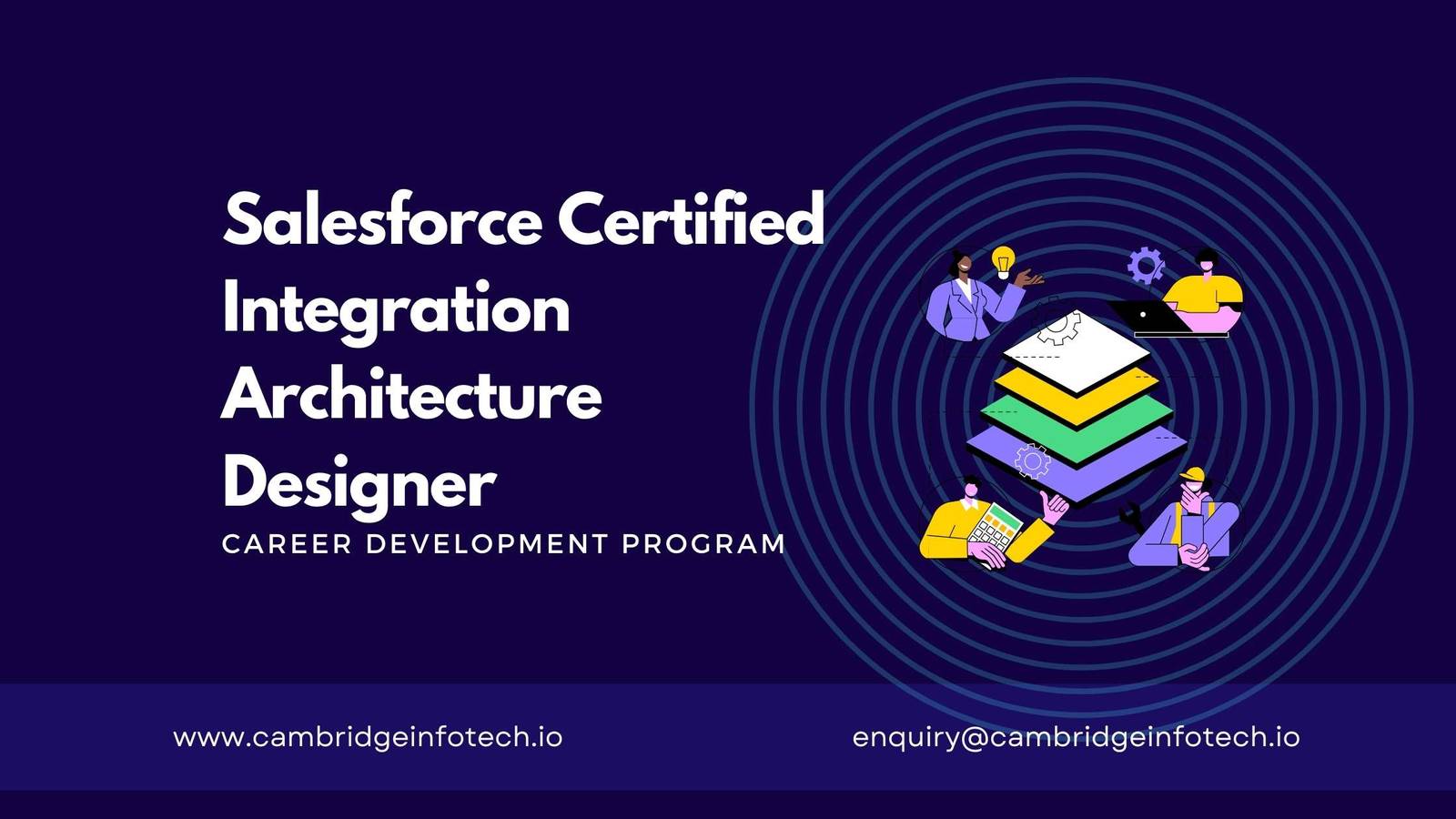
Salesforce Certified Integration Architecture Designer
All Levels- 12 Lessons
- 80 Hours
- All Levels
- ⭐⭐⭐⭐⭐ 4.8/5 (2833 Ratings)
- 4397 Enrolled
Salesforce Certified B2C Commerce Developer
All Levels- 12 Lessons
- 80 Hours
- All Levels
- ⭐⭐⭐⭐⭐ 4.7/5 (2745 Ratings)
- 4231 Enrolled